
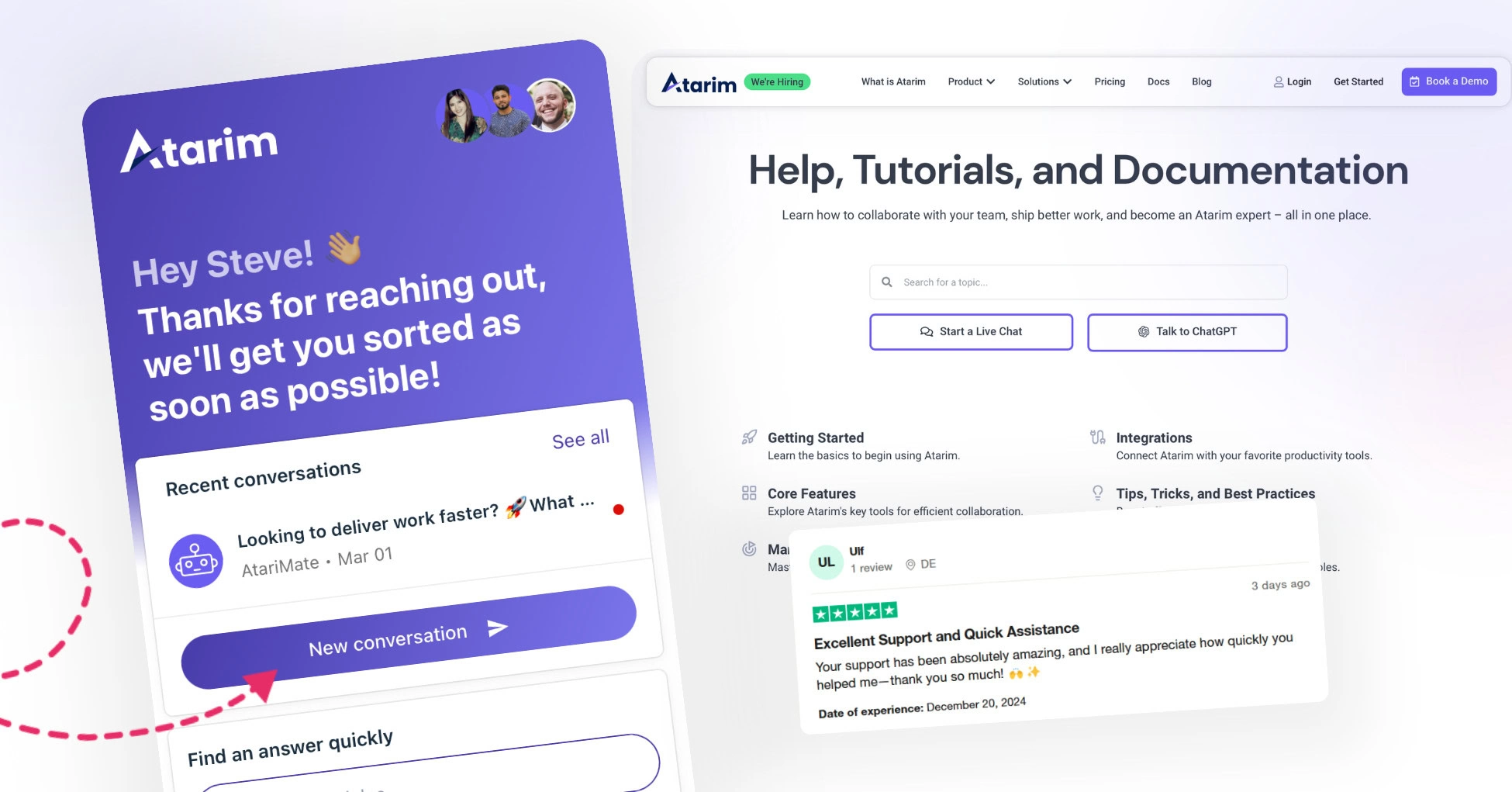
1. Use the Help Center
Visit the Atarim Help Center to browse through a comprehensive collection of articles, guides, and FAQs. Search for the document related to your issue for instant solutions. If the relevant documentation isn’t available, you can proceed to other support options.
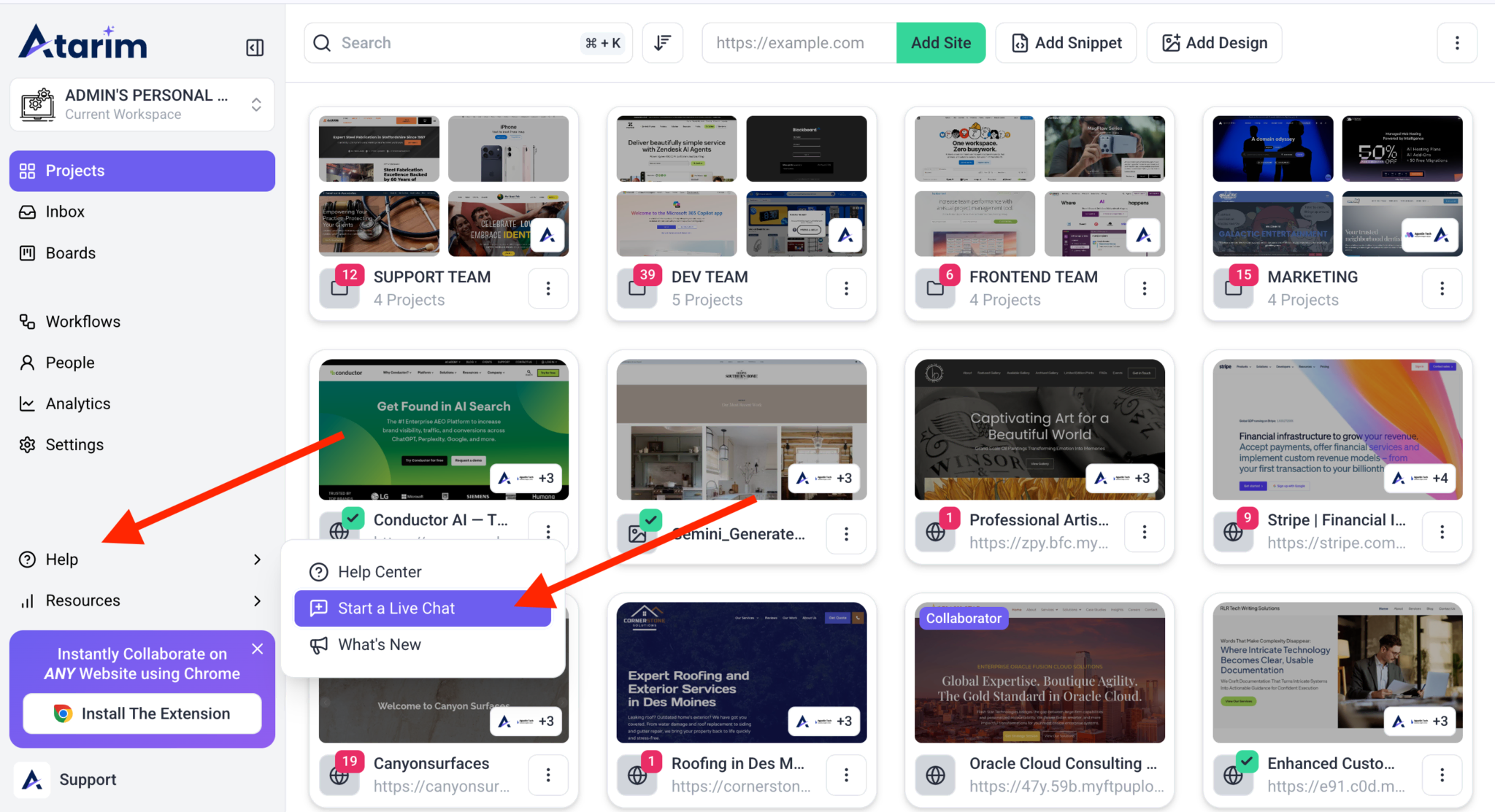
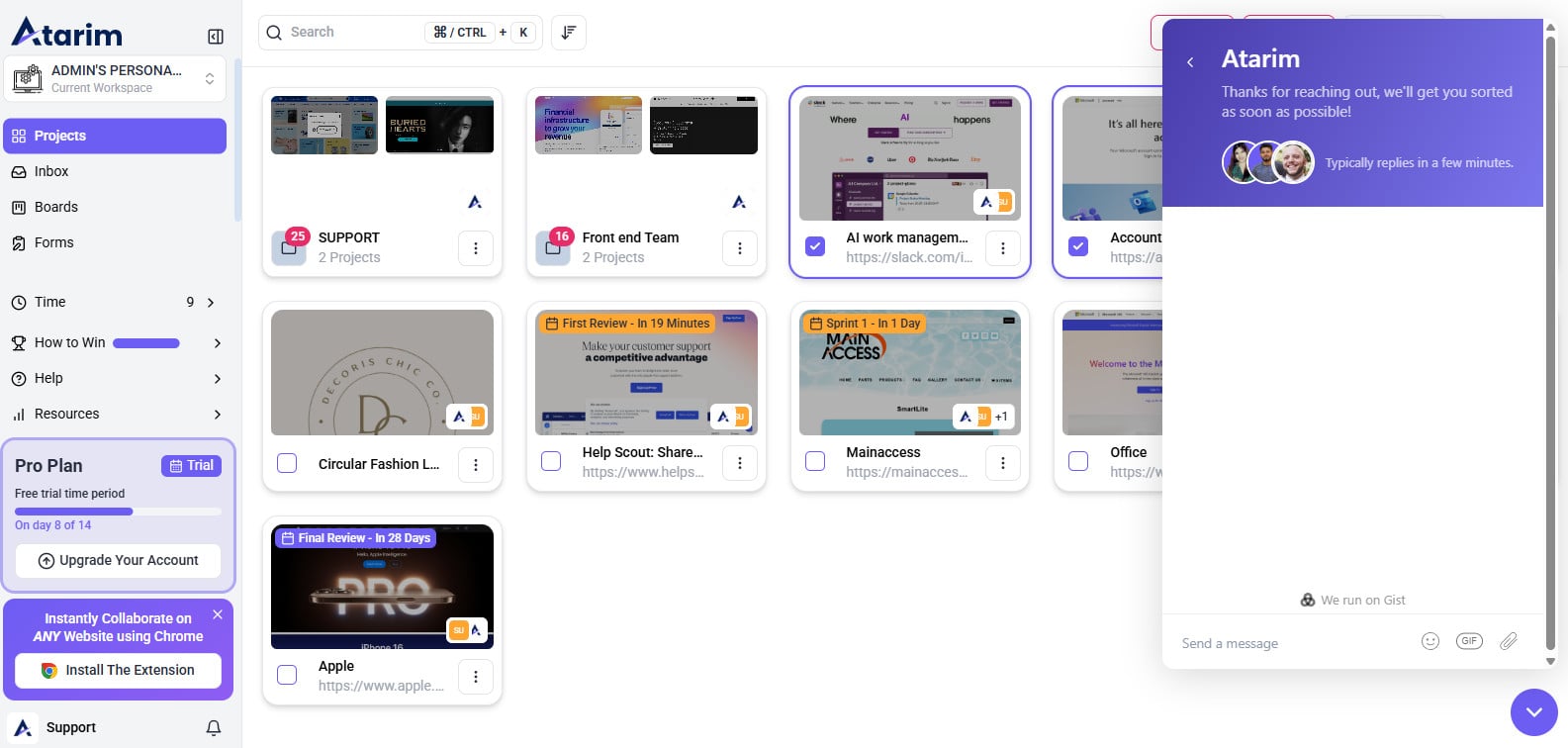
2. Open a Support Ticket via Messenger
Locate the messenger icon at the bottom-right corner of any page across various Atarim platforms. Click the icon and fill out the support form with the following details: Name, Email Address, and Description of the Issue. Submit the form, and a support representative will respond promptly.
3. Contact Support via Email
If the messenger is unavailable or you prefer email, write directly to support@atarim.io. Ensure you include all relevant details in your email to facilitate a quick response.
Tips for Efficient Support
To help the support team assist you more effectively:
- Provide Details: Clearly describe the issue you’re experiencing, including any steps you’ve taken and where the problem occurred.
- Include Context: Share links, screenshots, or video recordings to illustrate the problem. This additional context can help the support team diagnose and resolve the issue faster.
- Be Prompt: Respond to any follow-up questions or requests from the support team quickly to avoid delays.
By using these methods and following the tips, you’ll ensure your concerns are addressed efficiently and effectively. Atarim’s support team is dedicated to helping you succeed!
FAQs
You can visit the Atarim Help Center to browse a collection of articles, guides, and FAQs covering various topics.
You can submit a support ticket using the messenger icon located at the bottom-right corner of any Atarim page. Click on it, fill in your details (Name, Email, and Issue Description), and submit the form. A support representative will get back to you as soon as possible.
If you cannot access the messenger or prefer email, you can contact support directly at support@atarim.io. Make sure to include as many details as possible to help the team understand and resolve your issue efficiently.
Atarim support team strives to reply as quickly as possible. Providing clear details and relevant screenshots can help speed up the process.
For the quickest resolution, include:
* A clear description of the issue
* Steps to reproduce the problem
* Any relevant screenshots or video recordings
* Links to affected pages (if applicable)
Atarim primarily offers support via messenger and email, but if your issue requires more in-depth troubleshooting, the team may suggest scheduling a call or screen-sharing session.
If you haven’t heard back within the expected timeframe, check your spam folder for replies. If there’s no response, try reaching out again via email or messenger, referencing your original request.